
















1. From “What” to “How”: The Rise of Emotional Intelligence
In 2024, we designed for what the user did (clicks, scrolls). In February 2026, we design for how the user feels. For the final post in our AI-Automation Loop, we are exploring the absolute frontier of custom web development: Sentiment-Based UX.
In a city as vibrant and intense as Kolkata, digital friction can lead to instant abandonment. Whether it’s an investor in Alipore feeling anxious during a market dip or a student in Garia feeling overwhelmed by a complex course application, the website must now act as an empathetic partner, adjusting itself in real-time to lower stress and increase confidence.
2. The Tech Stack of a “Feeling” Website
A sentiment-based custom build doesn’t just “guess”; it uses a sophisticated array of Emotion AI triggers:
- Micro-Interaction Analysis: The system detects “Rage Clicks” (rapidly clicking a non-responsive element) or “Cursor Hesitation” (looping movements that signal confusion).
- Biometric Sentiment (Opt-in): Using the 2026 Affective Vision API, the site can (with user permission) analyze facial micro-expressions via the webcam—detecting frustration, surprise, or joy.
- Semantic Tone Mapping: If the user is typing into a support chat, the LLM analyzes their word choice and syntax to determine their “Emotional Temperature.”
3. Real-Time UI Adaptation: The “Mood-Shift” Logic
Once the sentiment is identified, the Custom CSS & Logic Engine triggers immediate changes:
- The “Stress” Pivot: If the system detects high frustration, it triggers “Minimalist Mode.” Non-essential banners disappear, font sizes increase for clarity, and the color palette shifts from “High-Energy Red/Orange” to “Calming Sage or Pale Blue.”
- The “Confidence” Boost: If a user is engaging deeply and showing “Joy” or “Curiosity,” the site adds Micro-Delights. Think subtle haptic feedback, celebratory confetti animations upon task completion, or expanded “Deep Dive” content modules.
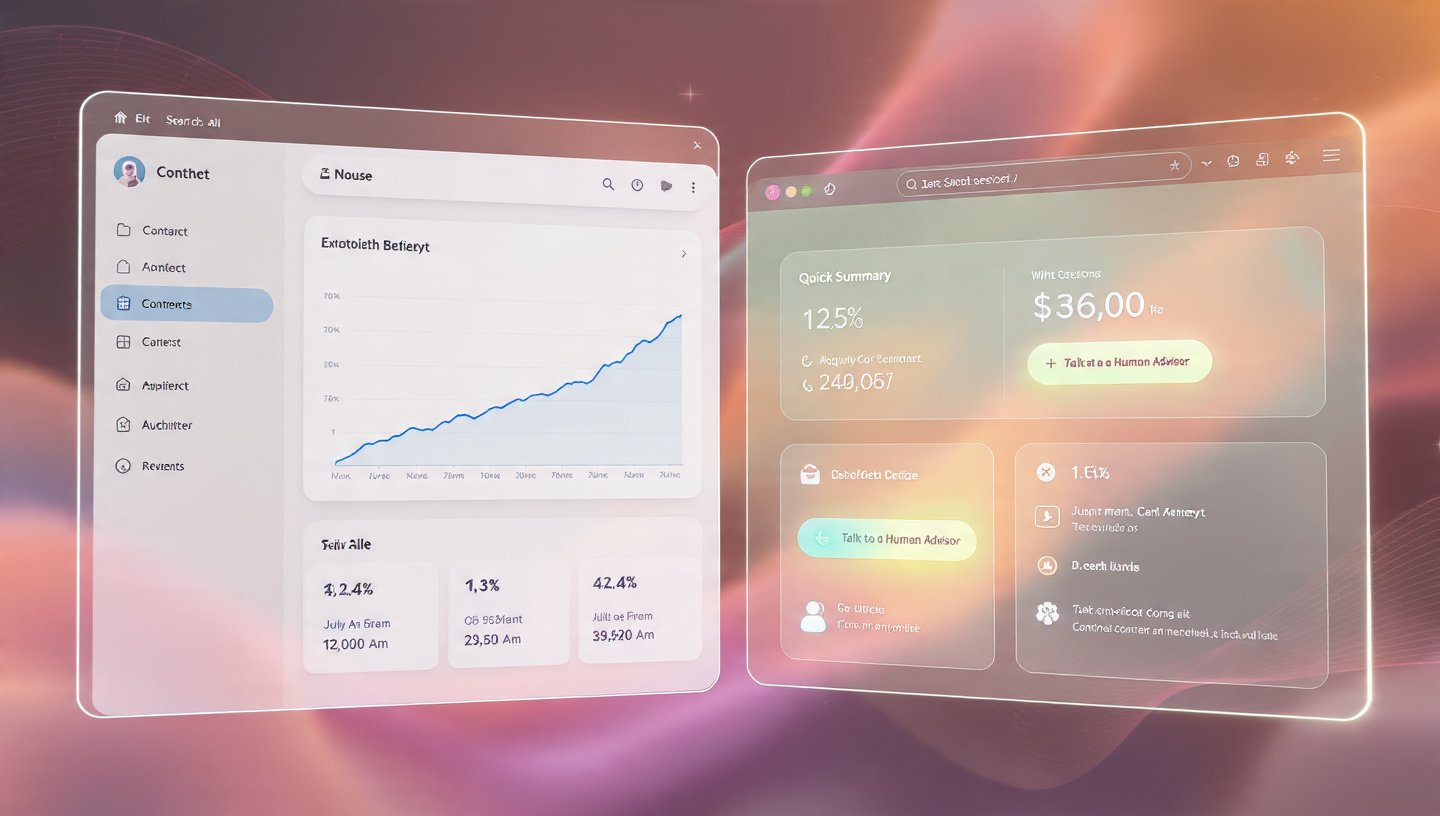
- The “Assurance” Intervention: For a fintech site, if a user hesitates at the “Confirm Investment” button, the UI doesn’t just sit there. It might surface a “Social Proof” widget or a live “Human Intervention” option to provide the necessary safety net.
4. Designing for the “Three Levels of Emotion”
In 2026, we apply Don Norman’s Emotional Design framework using real-time AI:
- Visceral (The Look): Does the site’s immediate color and motion match the user’s environment? (e.g., shifting to warmer tones during a rainy Kolkata evening).
- Behavioral (The Feel): How smoothly does the site respond? If the user is in a “Rushed” state, the site shortens transitions and prioritizes “Quick Actions.”
- Reflective (The Meaning): After the interaction, does the user feel empowered? The AI generates a personalized “Success Summary” that reinforces their positive actions.
5. Comparison: Reactive UX vs. Sentiment-Based Adaptive UX
| Feature | Reactive UX (2024) | Sentiment-Based UX (2026) |
| Trigger | User Click / Scroll | Emotional State / Frustration Level |
| Color Palette | Fixed (Brand Colors) | Dynamic (Psychology-driven shifts) |
| Content Density | Static Layout | Auto-Simplifies during high stress |
| Support | Chatbot waits for query | Proactive assistance on hesitation |
| User Feedback | Post-purchase Survey | Real-time “Biometric” Satisfaction |
6. Use Case: The “Ballygunge” Wealth Management Portal
A boutique investment firm wanted to reduce “Drop-off” during high-volatility market days:
- The Problem: Clients were panic-selling because the standard dashboard looked “Too Alarming” during red-market days.
- The Custom Build: We implemented a sentiment-aware UI. When the market is down AND the user shows signs of high-frequency “Panic Scrolling,” the dashboard shifts to “Strategic View.”
- The Result: A 22% reduction in panic-selling. The calm UI, combined with an AI-generated “Contextual Reassurance” video, helped clients stay the course.
7. FAQ: The Ethics of Sentiment UX
- Q: “Is this a violation of privacy?”
- A: In 2026, transparency is everything. Users must explicitly ‘Opt-In’ to emotional sensing. Furthermore, all biometric data is processed on-device; the website only receives a ‘Sentiment Token’ (e.g., ‘Frustrated’), not your actual video feed.
- Q: “Can the AI misread an emotion?”
- A: Yes. That’s why we build ‘Manual Overrides.’ If the site shifts to ‘Calm Mode’ but the user wants the data-heavy view, a single click restores the original state, and the AI learns from that correction.
- Q: “Is this only for luxury/fintech?”
- A: While high-stakes industries lead, it’s incredibly effective for E-learning (detecting a bored student) and Healthcare (detecting a pained or anxious patient).
Conclusion: The End of the “Machine-Like” Web
In 2026, the most successful websites in Kolkata won’t be the ones with the most features; they will be the ones that feel the most Human. By building custom sentiment-based interfaces, you are moving from a transactional relationship to a transformational one. You aren’t just a service provider; you are an empathetic partner who knows exactly when to step back and when to lend a hand.
At our Alipore studio, we design the code that understands the heart.
Does your website know how your customers feel?
Let’s do a “User Sentiment Mapping Session.” We’ll identify the high-stress points in your current customer journey and show you how an adaptive, sentiment-aware UI can turn frustration into loyalty.